PointerPop
A downloadable tool for macOS
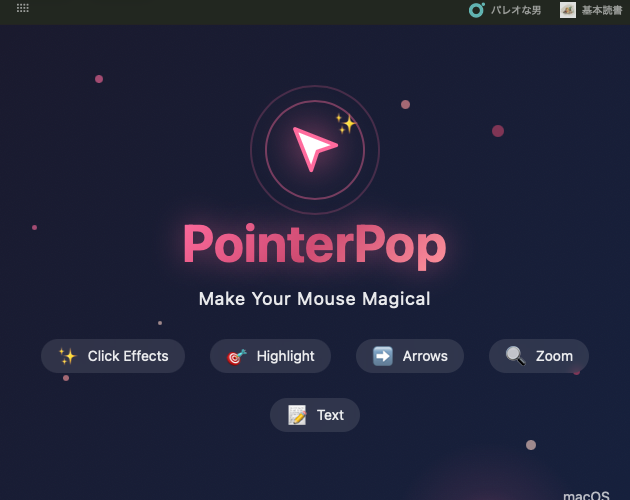
# PointerPop - Make Your Mouse Magical
Transform your screen recordings with stunning cursor effects! PointerPop adds beautiful visual enhancements to your mouse cursor, perfect for tutorials, presentations, and demos.
## Features
### Click Effects Every click creates a beautiful particle burst with ripple animations. Make your clicks visible and engaging!
### Highlight Mode (⌘+⇧+H) Draw attention to any area on screen. Drag to create glowing highlight boxes that persist until cleared.
### Arrow Mode (⌘+⇧+A) Point to important elements with animated arrows. Simply drag from start to end point.
### Zoom Mode (⌘+⇧+Z) Magnify any part of your screen. Perfect for showing small details in tutorials.
### Text Annotations (⌘+⇧+T) Add floating text labels anywhere on screen. Great for callouts and explanations.
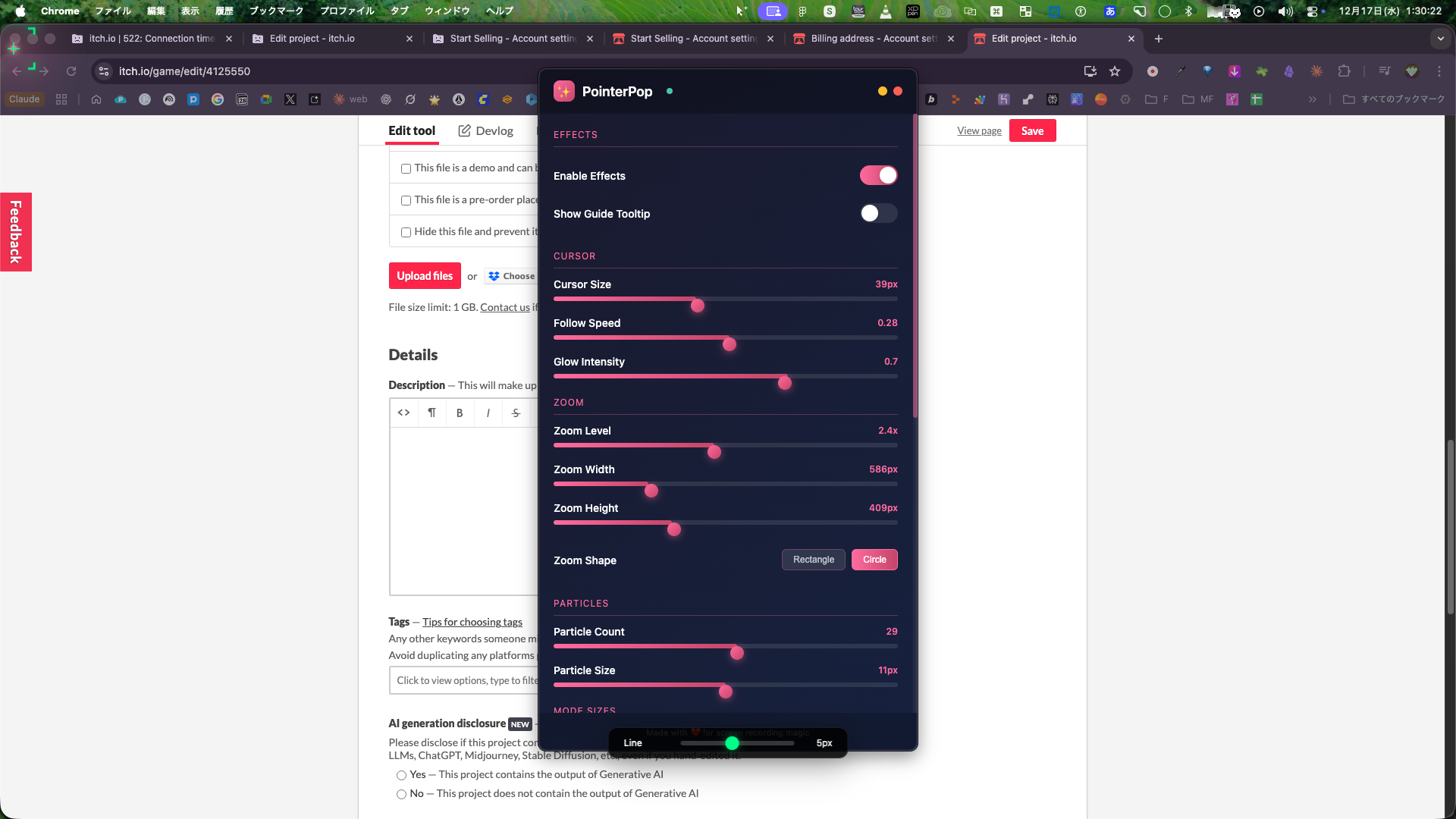
### Fully Customizable - Adjust cursor glow size and intensity - Configure particle count and size - Set zoom level and shape (circle/rectangle) - Customize line widths for highlights and arrows
## Keyboard Shortcuts
| Shortcut | Action | |----------|--------| | ⌘+⇧+H | Highlight mode | | ⌘+⇧+A | Arrow mode | | ⌘+⇧+Z | Toggle zoom | | ⌘+⇧+T | Add text | | ⌘+⇧+P | Open settings | | ⌘+⇧+C | Clear all effects | | ESC | Cancel current mode | | Shake mouse | Clear all effects |
## Perfect For
- YouTube tutorials - Online courses - Product demos - Presentations - Zoom/Teams calls - Screen recordings
## System Requirements
- macOS 10.15 (Catalina) or later - Apple Silicon (M1/M2/M3) or Intel Mac - Accessibility permission (for cursor tracking) - Screen recording permission (for zoom feature)
## Languages
- English - 日本語 (Japanese)
---
*Made with ❤️ for screen recording magic*
Purchase
In order to download this tool you must purchase it at or above the minimum price of $4.99 USD. You will get access to the following files:
Leave a comment
Log in with itch.io to leave a comment.